GTA 6 · Chapter 3 Walkthrough
GTA 6 Send Money to Lorena Walkthrough: Quick BuckMe Transfer Guide
Send Money to Lorena is one of the fastest story missions in GTA 6 Chapter 3. After Lorena calls Lucia following Mami Knows Best because her husband lost his job, you can wrap up the entire $5,000 transfer right from Lucia’s smartphone.
1. How to Start Send Money to Lorena as Lucia
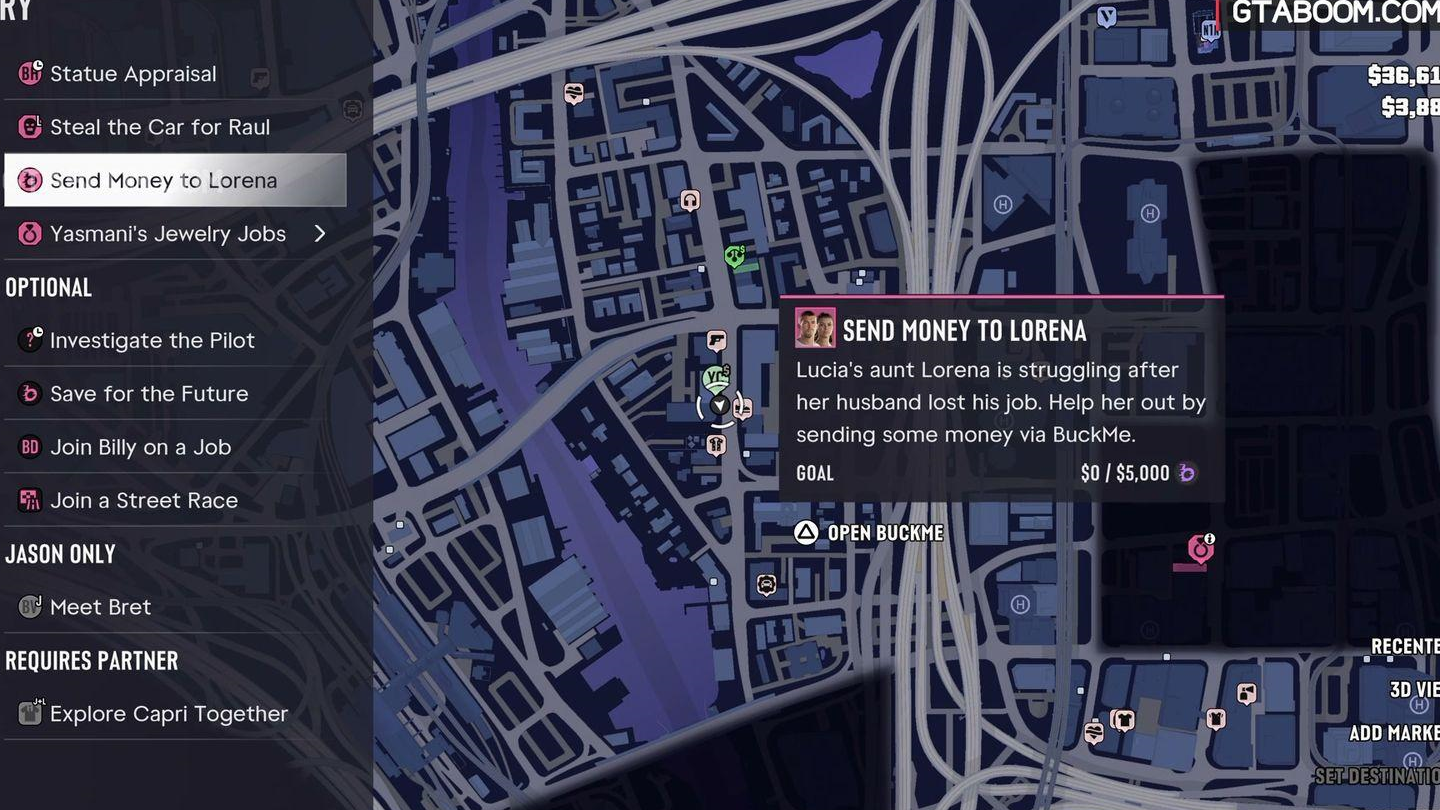
Once Lorena reaches out after Mami Knows Best, switch over to Lucia and open the in-game Story menu. Selecting Send Money to Lorena displays the objective summary along with a direct Open BuckMe shortcut–so you do not need to drive across Vice City to a map marker.
2. Confirming the $5,000 BuckMe Checking Payment
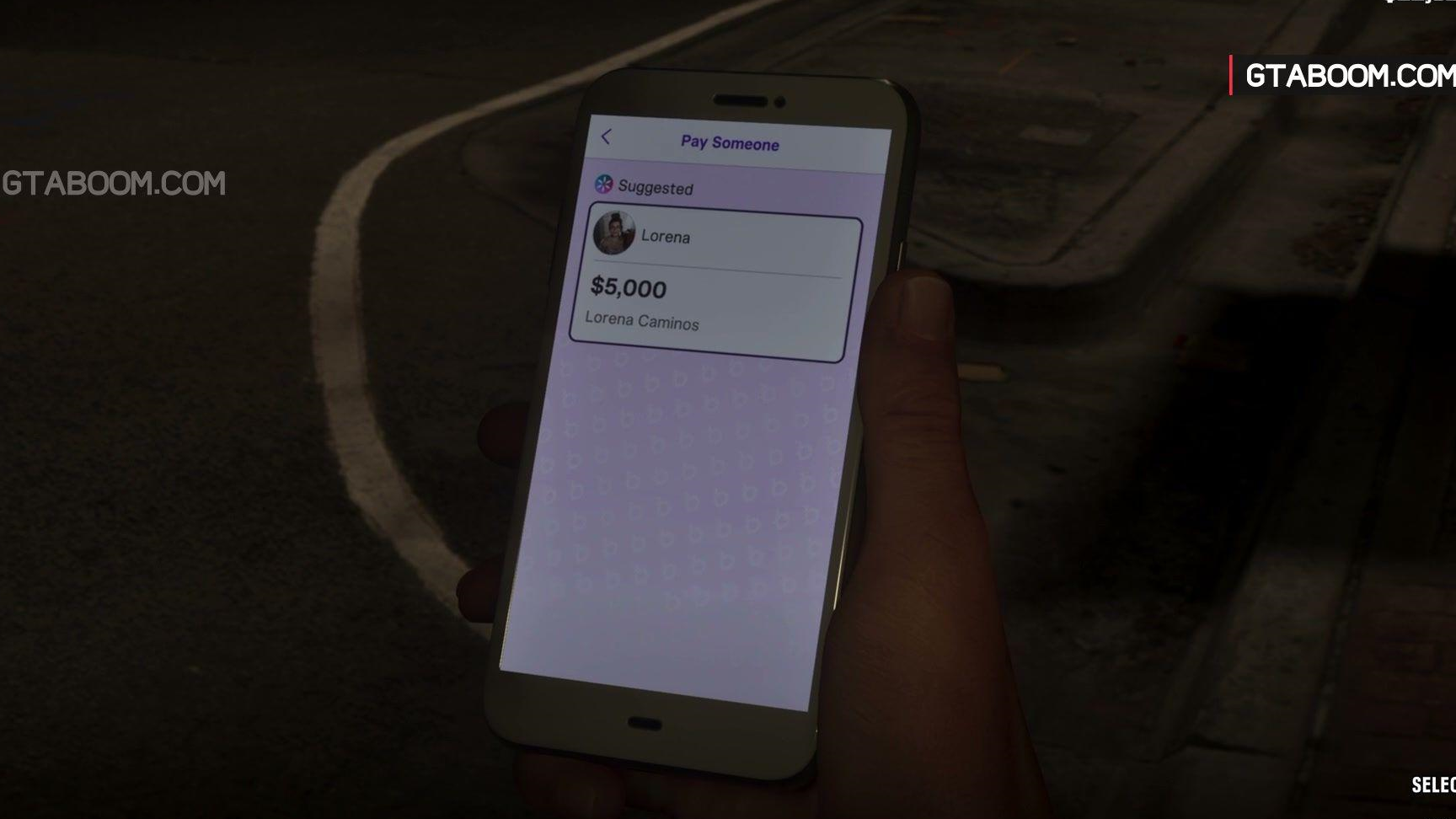
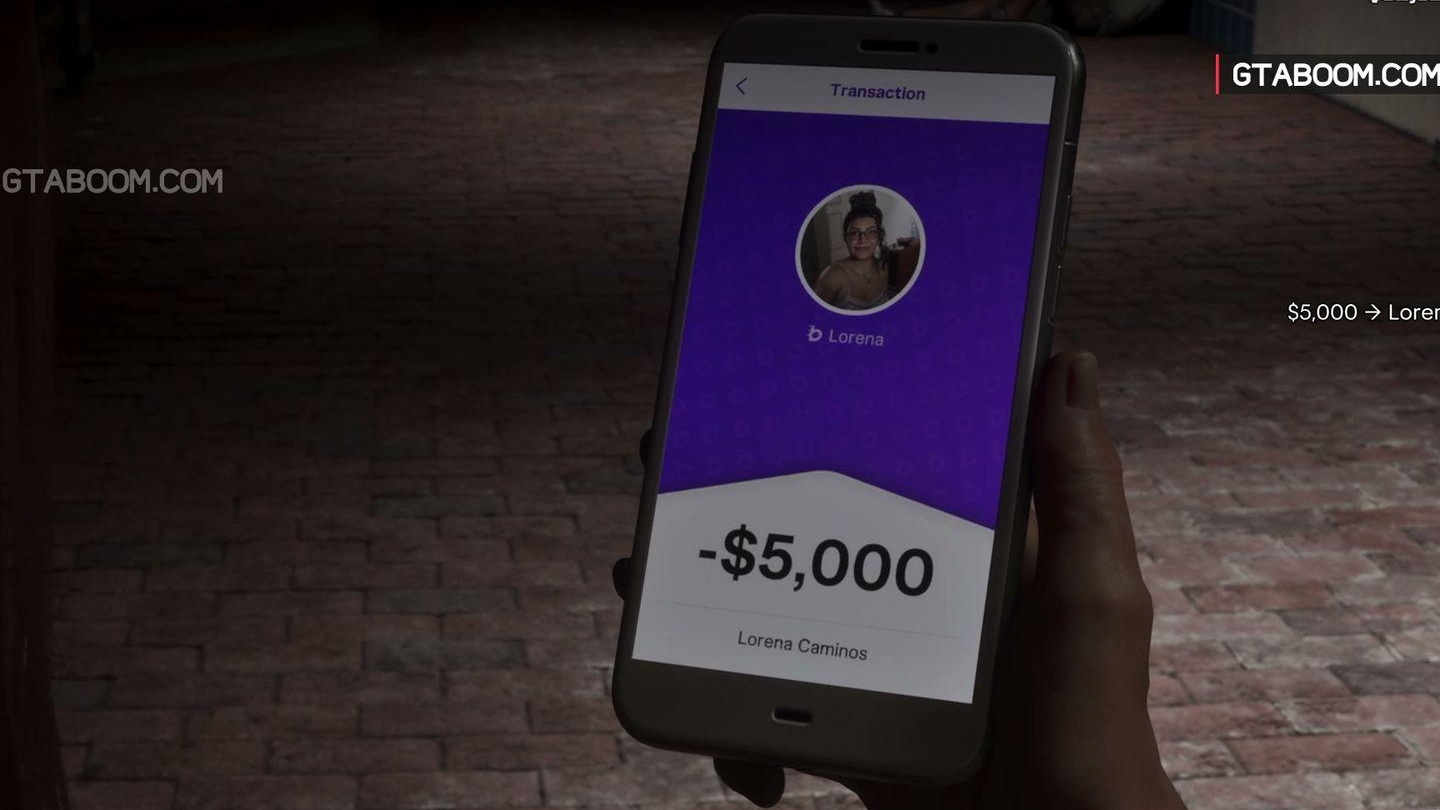
Inside the BuckMe banking app, select Lucia's checking account and confirm the $5,000 transfer to Lorena. As soon as the confirmation screen appears, the mission clears cleanly.
3. What Unlocks Next in Chapter 3
Completing the transfer keeps Lucia's family storyline moving and sets up the follow-up Chapter 3 beats without burning travel time or ammo.