
GTA 6 · Save System & Replay Guide
GTA 6 Save System Explained: Why Mission Replay Is Gone & How to Use Manual Saves
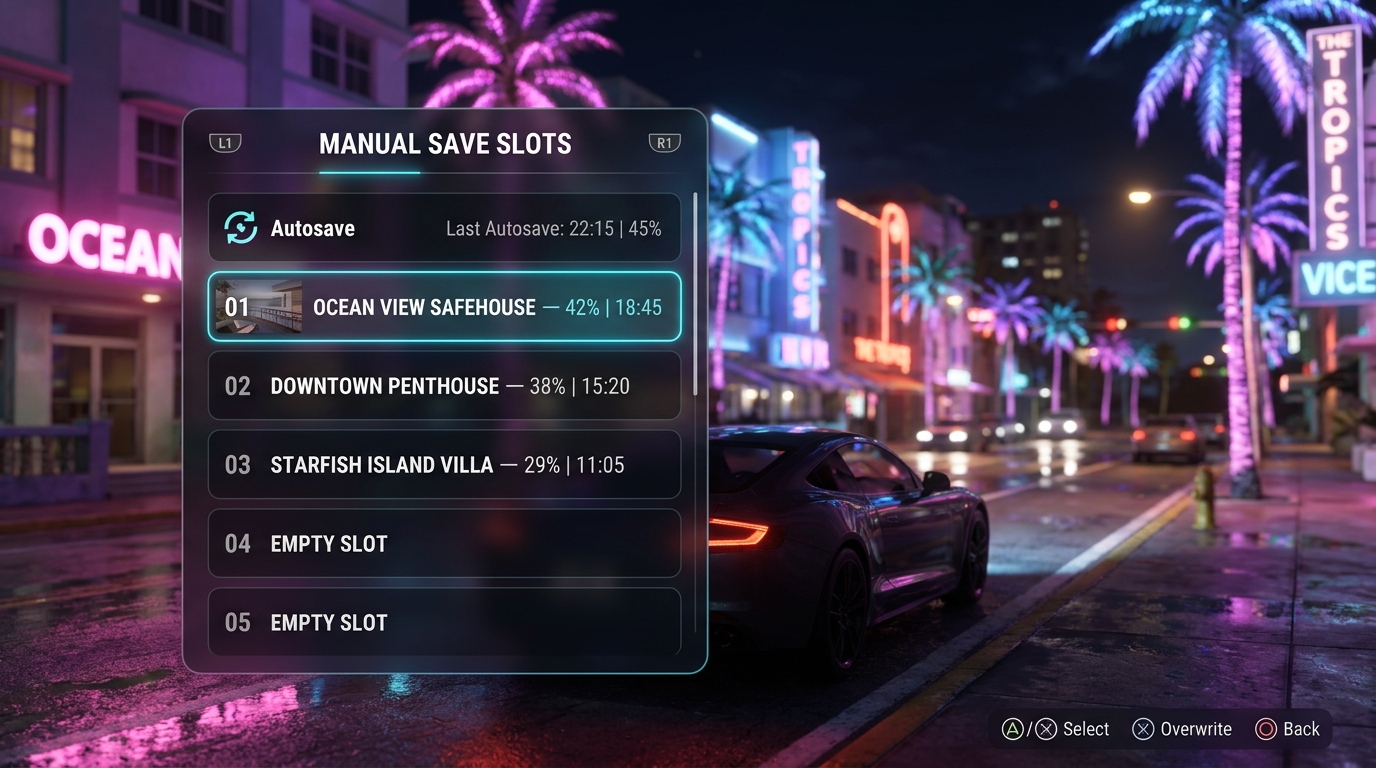
Unlike GTA V and Red Dead Redemption 2, Grand Theft Auto VI drops the post-mission replay menu and gold-medal checklist. If you want to revisit a favorite Vice City set piece or test a different story outcome, manual saves in free roam are essential.
1. How GTA 6 Manual Saves & Autosave Work
Rockstar gives players 15 manual save slots alongside a single rotating autosave slot–mirroring Red Dead Redemption 2's storage layout. However, manual saves are only available from the pause menu while you are in free roam; you cannot save mid-mission.
- Autosave behavior: Triggers automatically after completing missions and major open-world events, overwriting the same slot continuously.
- Cheat warning: Activating any cheat disables saving for that session, so always lock in a clean manual save before experimenting.
2. Why Rockstar Removed Story Mission Replay & Gold Medals
GTA 6 leans heavily into a branching, reactive campaign where choices made hours earlier ripple into later jobs and open-world encounters. Because a single mission can unfold differently depending on prior state, a simple "replay mission" menu would clash with ongoing world flags.
3. Best Save Habits Before Major Leonida Missions
Before walking into any Chapter marker, heist prep, or branching conversation, rotate across two or three manual save slots while standing in free roam. That way, you can always roll back to try alternate approaches without restarting the entire story.