
GTA 6 · Save Guide · PS5 & Xbox Series X|S
How to Save in GTA 6 & Revisit Missions: 15 Manual Save Slots Guide

Grand Theft Auto VI gives players 15 manual save slots alongside a single autosave slot on PS5 and Xbox Series X|S. Because there is no mission-replay menu at launch, placing manual saves carefully in free roam is the only way to revisit favorite Vice City and Leonida missions later.
1. How to Make a Manual Save in GTA 6 (And Handle Cheat Sessions)
To save your progress manually while exploring Leonida:
- Wait until you are in free roam, then press Options on PS5 or Menu on Xbox Series X|S.
- Open Game → Save Game in the pause menu and pick an empty slot (check any existing slot carefully before overwriting it).
- Use Load Game inside the same menu whenever you want to return to an earlier point in the campaign.
If Save Game appears greyed out, finish your active mission and wait until free movement returns. Important cheat rule: if you have been using cheats in GTA 6, saving is disabled for that session–quit the session and load your previous clean manual save before continuing.
2. Best Way to Organize All 15 Manual Save Slots
If you want to replay a favorite mission without losing your current progress, create a manual save in free roam right before that mission's starting marker. Later, before loading that older slot, save your present-day run into a separate slot so you can jump straight back afterward.
| Save Slots | What to Keep There |
|---|---|
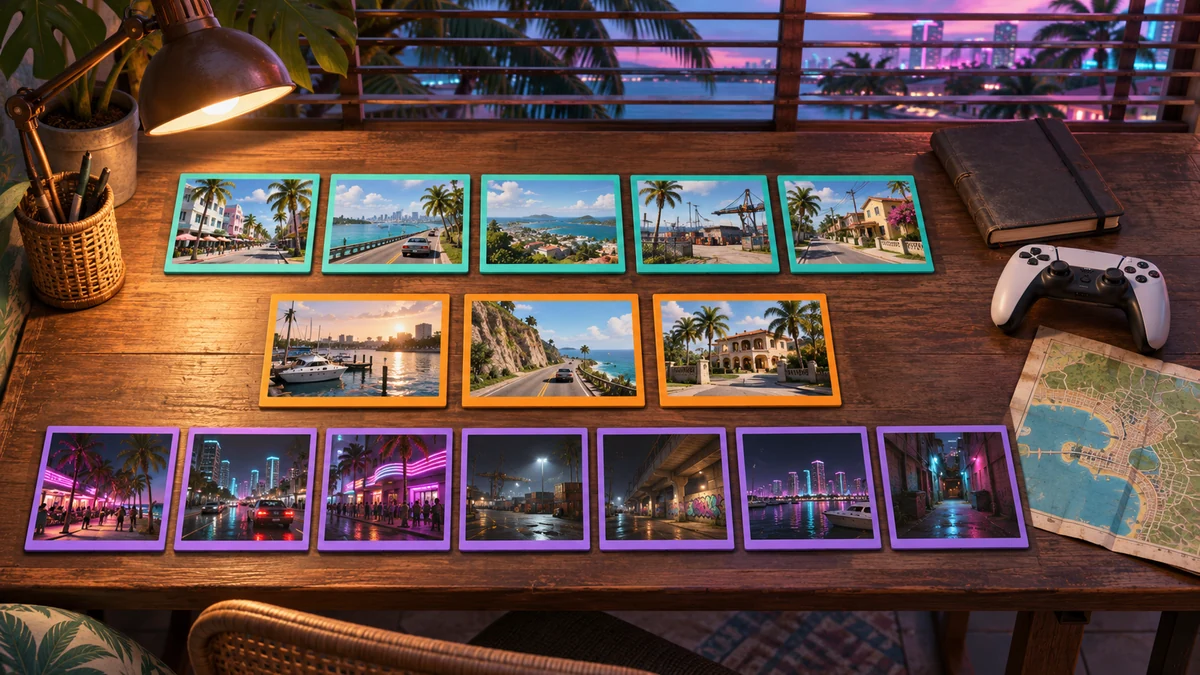
| Slots 01–05 | One chapter-opening save for each of the five chapters |
| Slots 06–08 | Three recent saves used in rotation |
| Slots 09–15 | Key pre-mission saves, branching moments, or a clean post-story save |
3. How GTA 6 Autosave Behaves When Loading Older Saves
Alongside the 15 manual slots, GTA 6 maintains only one automatic save slot. Loading an older save can overwrite that autosave, so always keep your latest progress backed up in a dedicated manual slot (for example, keep tonight's run in Slot 06 while replaying a mission from Slot 09, and do not overwrite Slot 06 during the replay).
4. Why You Cannot Replay Finished Missions from a List
At launch, Grand Theft Auto VI includes no built-in mission replay list or chapter selector, and certain optional side missions become missable once you advance to later chapters. Keeping a manual save before each chapter transition ensures you never get locked out–and once the credits roll, free roam stays open across Vice City and Leonida for collectibles and 100% completion.